

PyFluent documentation 0.43.0#
Welcome to PyFluent#
PyFluent is your gateway to harnessing the power of Ansys Fluent through Python. It enables engineers and developers to automate, customize, and streamline CFD workflows using the flexibility of Python.
Important
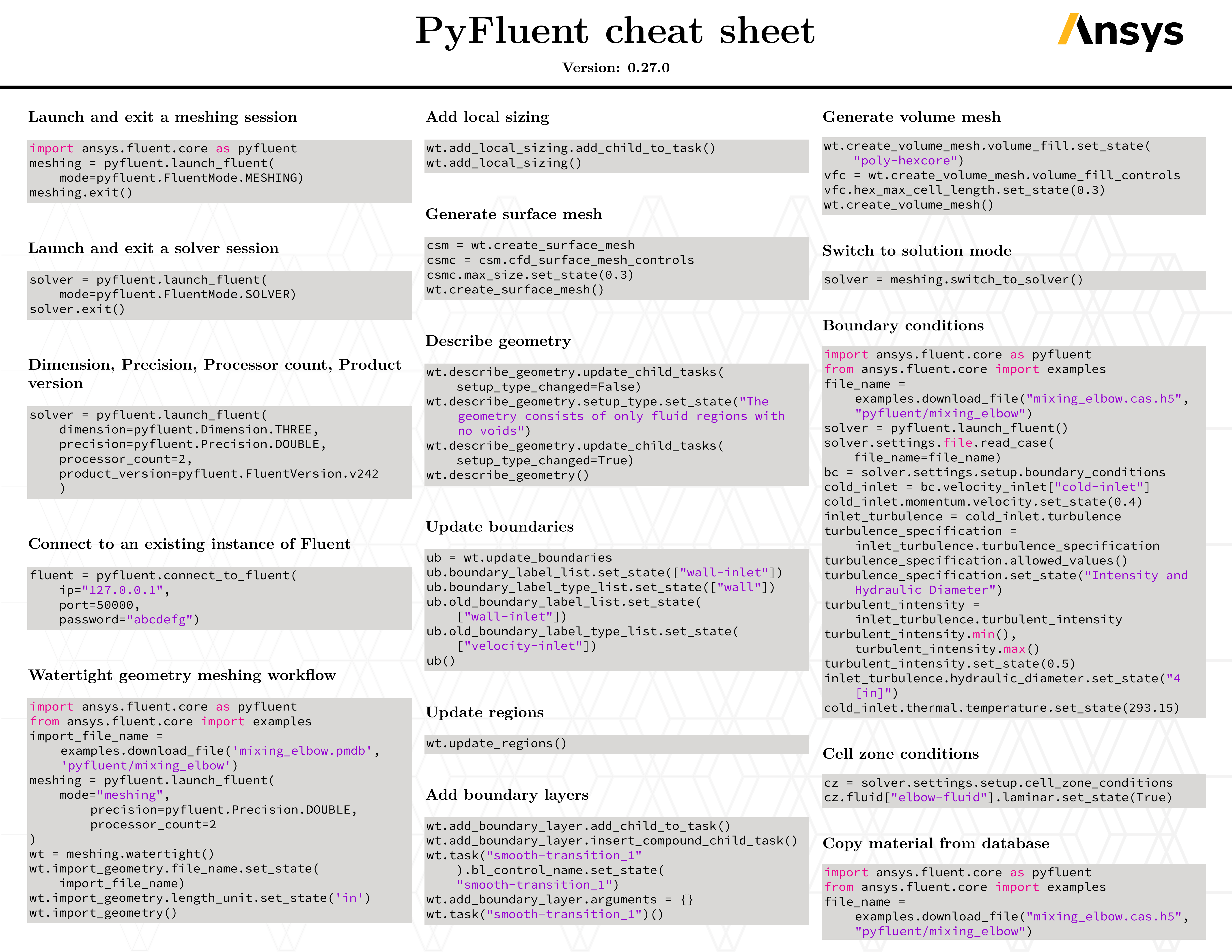
fluent.docs.pyansys.com is the only maintained and up-to-date source for PyFluent documentation. Other resources, including cheat sheets, handouts, and pages on other websites, may be outdated or incorrect, so disregard them where they conflict with it.
Why use PyFluent?#
Automation: Eliminate repetitive tasks and accelerate simulation workflows.
Customization: Control Fluent behavior with Python for tailored solutions.
Efficiency: Reduce manual steps and improve reproducibility.
Integration: Seamlessly integrate with other Python libraries and tools.
How it works#
PyFluent connects to Ansys Fluent and allows programmatic interaction using a modern Python API. It supports simulation setup, execution, monitoring, and results extraction.
Compatibility#
Each PyFluent release supports the Fluent versions that Ansys officially supports at the time of that release.
Warning
PyFluent does not support Fluent Pro licenses.
Note
PyFluent 0.37 is the last release that supports Fluent versions earlier than 2024 R2. Later PyFluent releases do not support those versions.
Getting started#
Get started with PyFluent by following the steps in the Getting started guide.
Resources#
Need help?#
Visit the community or support resources:
See Contributing to PyFluent for how to report issues or contribute via GitHub.